
Choose a topic and start learning.
Search and explore simple reference manuals covering printer drivers, local router Wi-Fi setup, email sync ports, PC optimization, and Windows Update diagnostics.
Start with the topic you want to understand.
Each category is made for calm reading and simple visual understanding.
Interactive Device Diagnostics
Select a category to inspect step-by-step connection workflows, terminal scripts, and diagnostic guides.
How printer driver setup works
Follow these simplified diagnostic steps to configure your local connections, inspect spooler settings, and resolve persistent printer offline status errors.
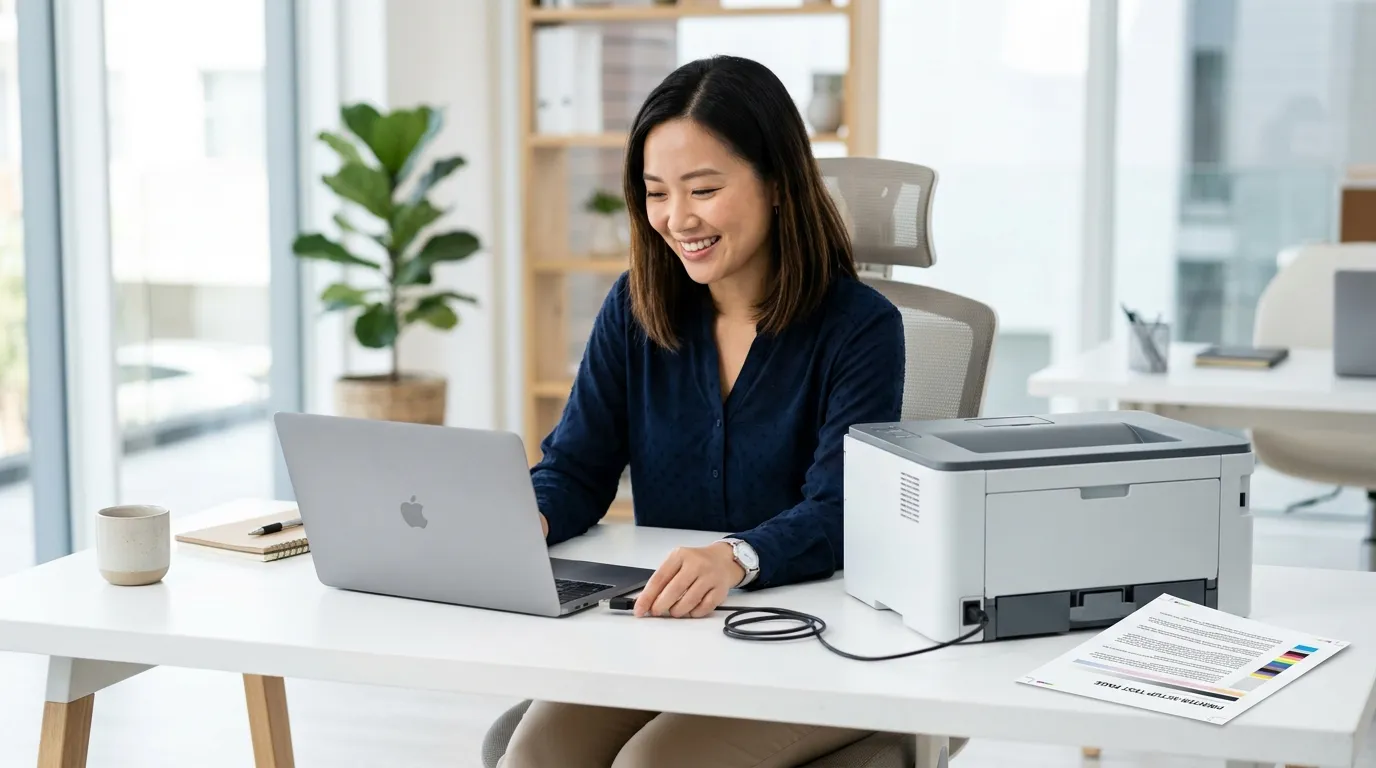
 01
PHYSICAL LINK
01
PHYSICAL LINK
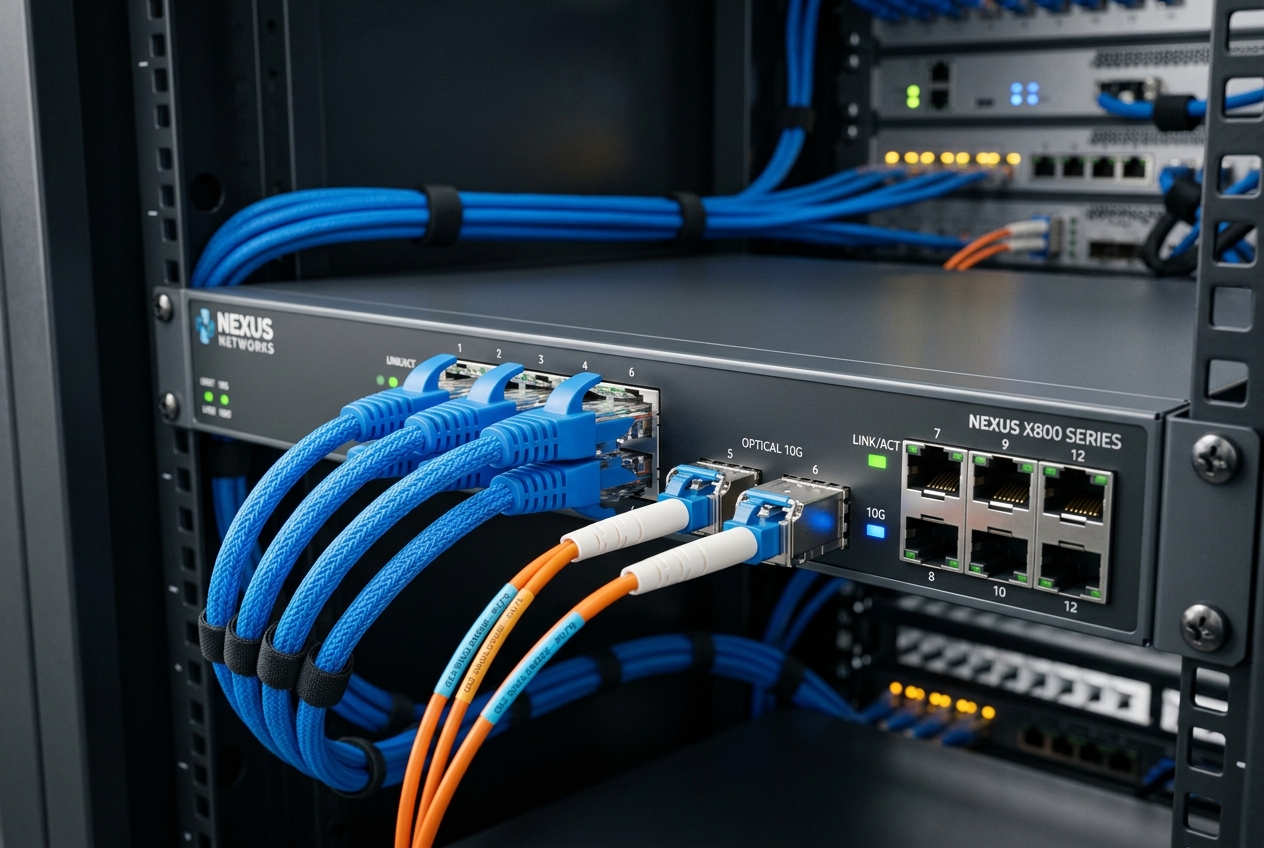
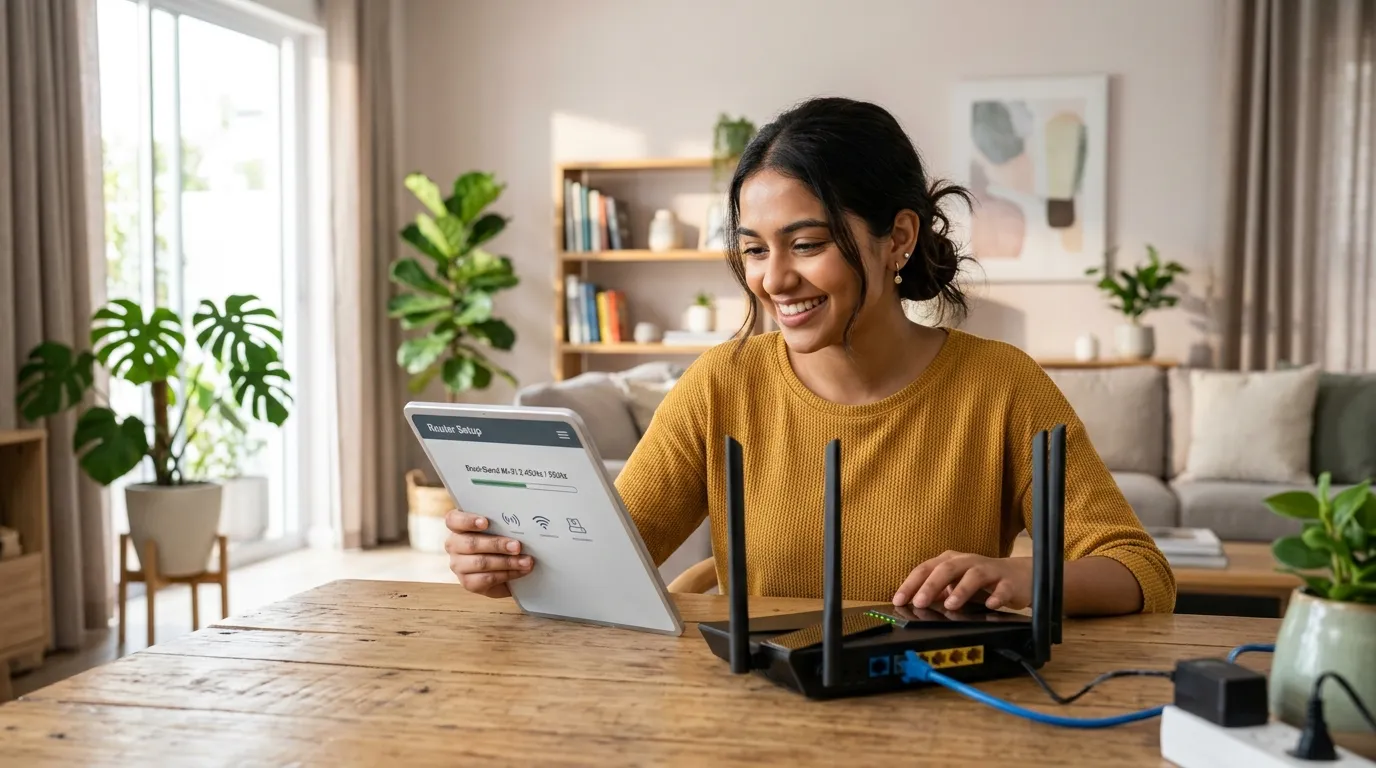
Check Cables & Wi-Fi
Inspect physical USB printer cables or verify network router SSID pairing logs to ensure connection signal lines are active.
 02
REGISTRY RUN
02
REGISTRY RUN
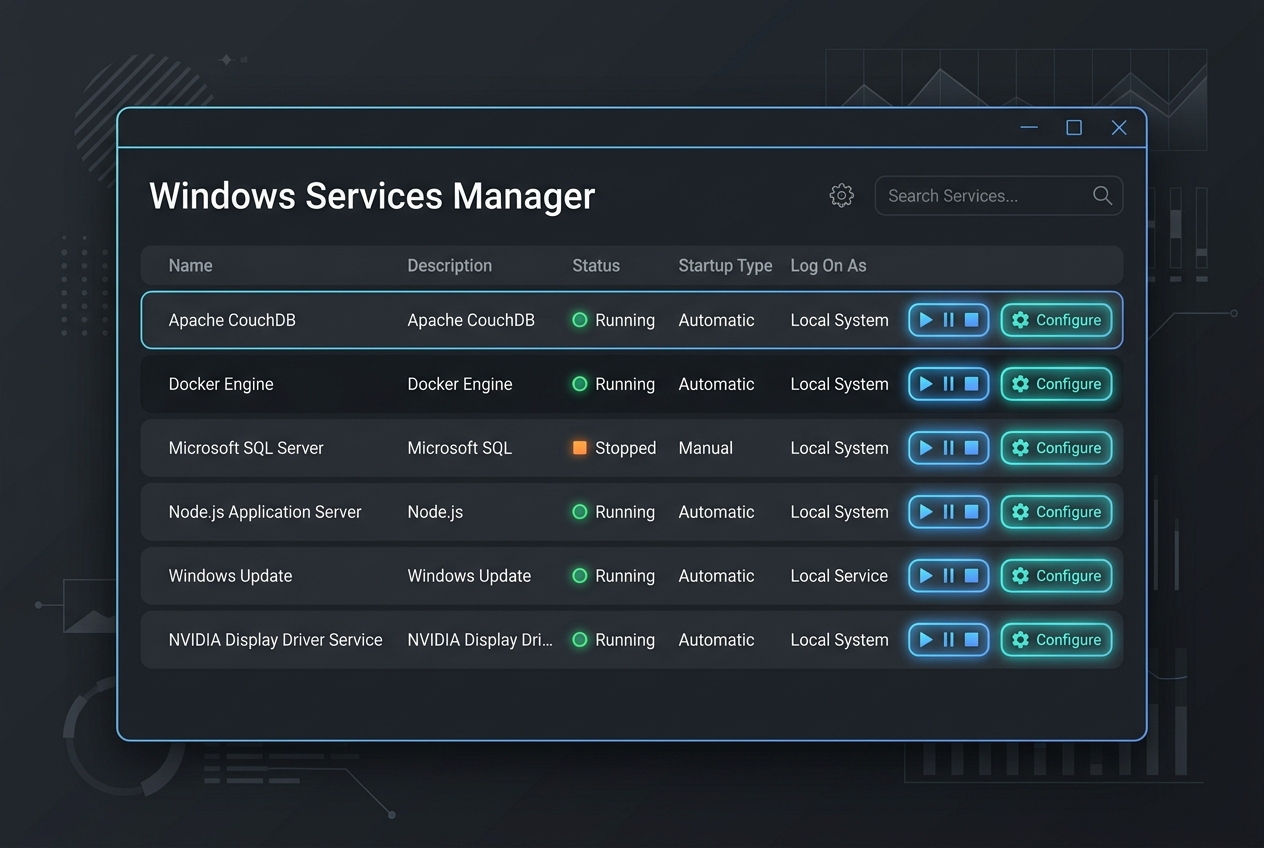
Clear Spooler Queue
Stop the Print Spooler service via services.msc, then delete temporary logs inside the PRINTERS cache directory.
 03
SETUP MANUALS
03
SETUP MANUALS
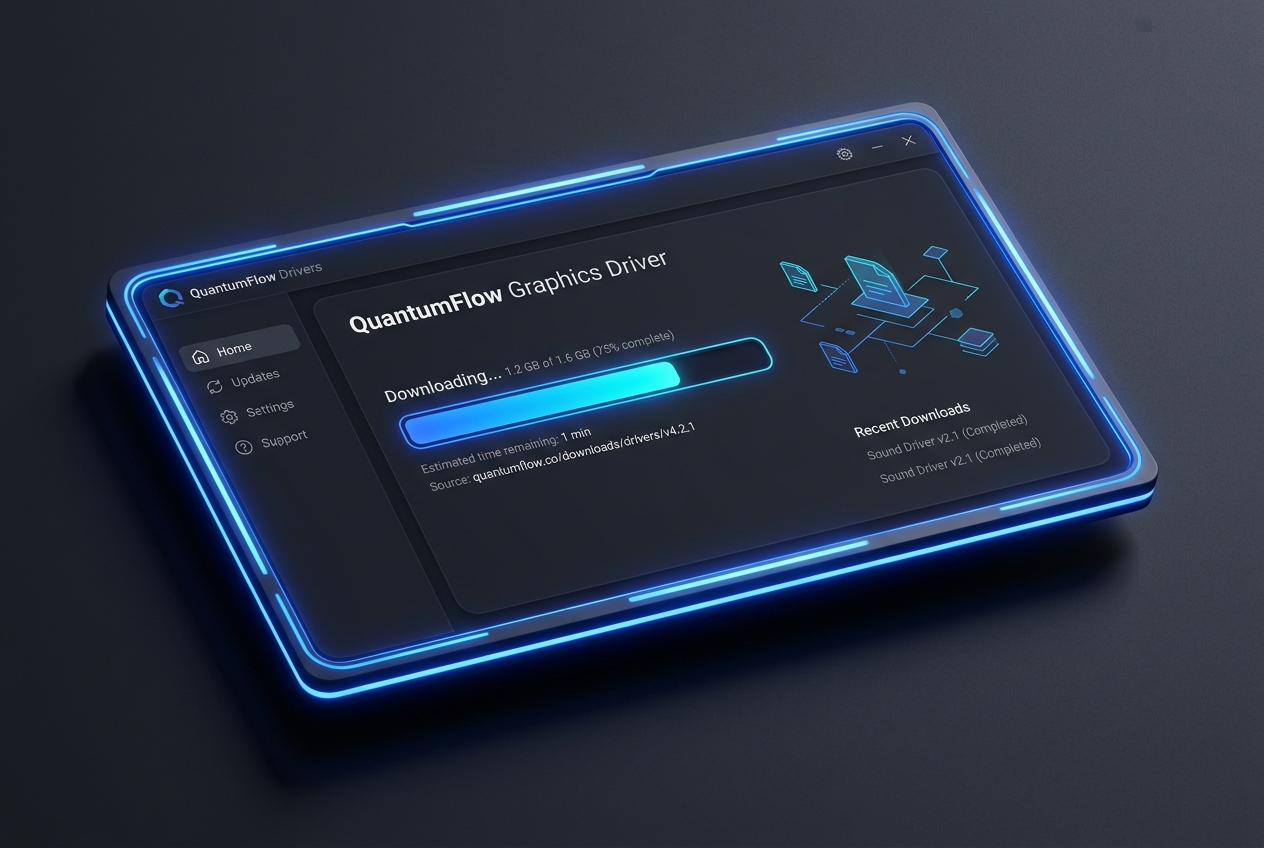
Understand Driver Setup
Understand printer driver installation concepts and how system INF files communicate with hardware.
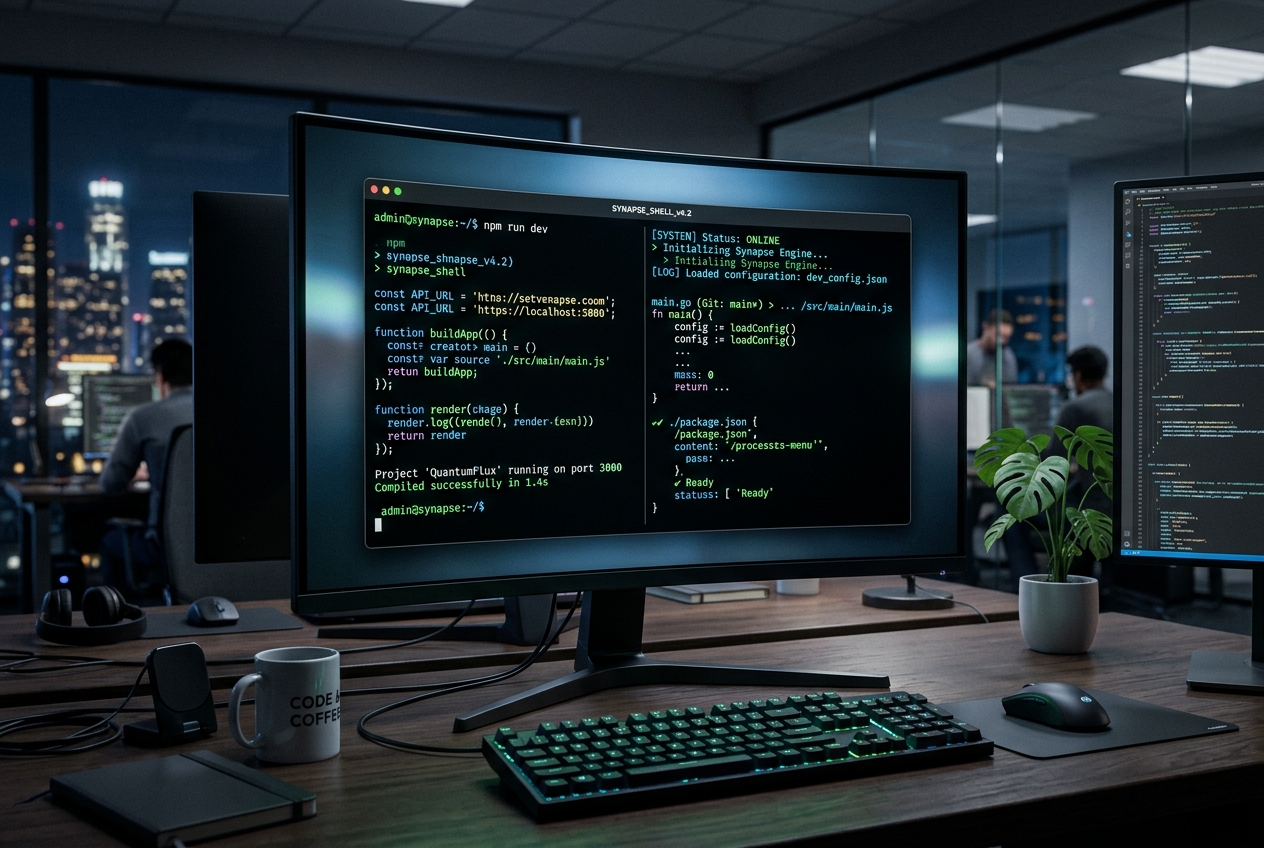 04
net start spooler
04
net start spooler
Reset Spooler & Print
Re-initialize the print spooler service via Command Prompt, connect hardware lines, and execute a document test page.

A simple path for every guide.
These guides help readers understand what common device messages, settings, and status screens usually mean.
Pick a topic
Choose printer, router, email, PC performance, or Windows update learning.
Read the concept
Understand common terms, settings, status messages, and device behavior.
Compare examples
Match the explanation with common screen scenarios and system prompts.
Self-directed study
Use our independent learning modules for deeper self-education.
Self-authored guide topics.
All guides in our educational library are written independently for self-directed reading.
Objective guides. Built for general tech understanding only.
Zeno Guide is an educational directory. We do not manufacture hardware components, distribute driver updates, provide remote desktop access sessions, host technical support telephone lines, or perform computer repairs.
Explore full educational articles.
Read detailed concepts, examples, and diagnostics in our blog feed to learn more about computer networks, systems, and devices.