

Explore self-guided tech topics.
Simple educational guides translating complex device manuals into plain-English reading material.
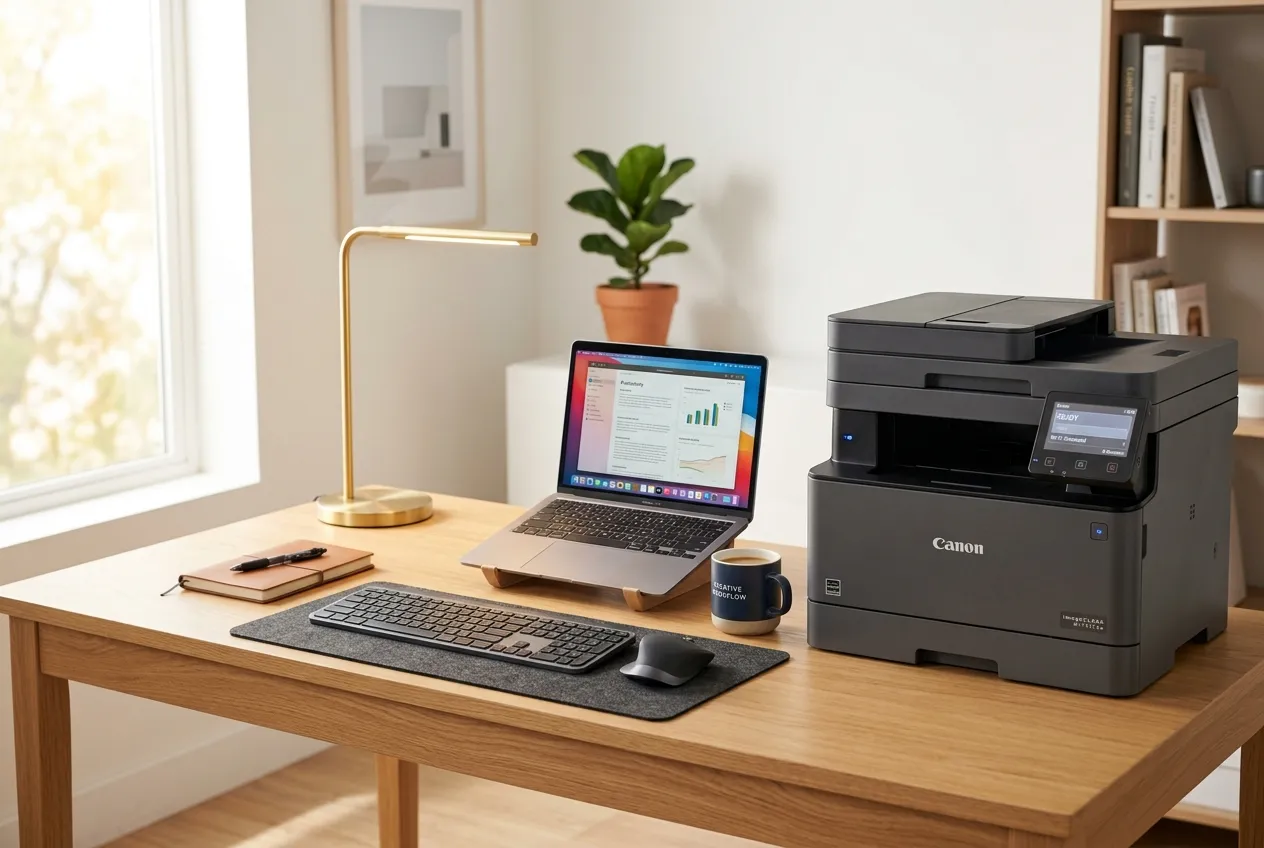 Printers
Printer Setup & Spoolers
Learn how to connect local printers, configure print spooler settings, clear pending queues, and fix printer offline states.
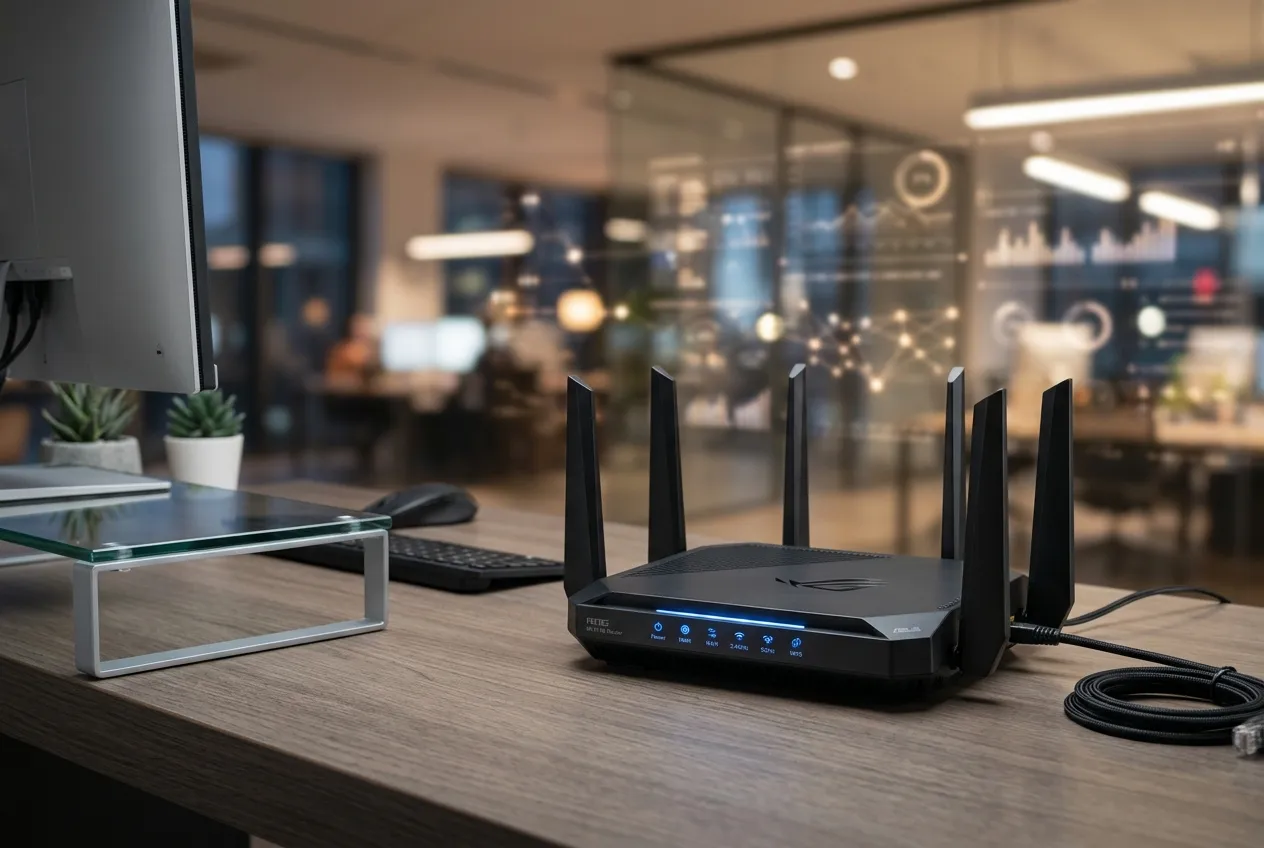 Wi-Fi & Networks
Router, Wi-Fi & Networks
Step-by-step concepts to understand router light indicators, gateway IP addresses, Wi-Fi passwords, and network signals.
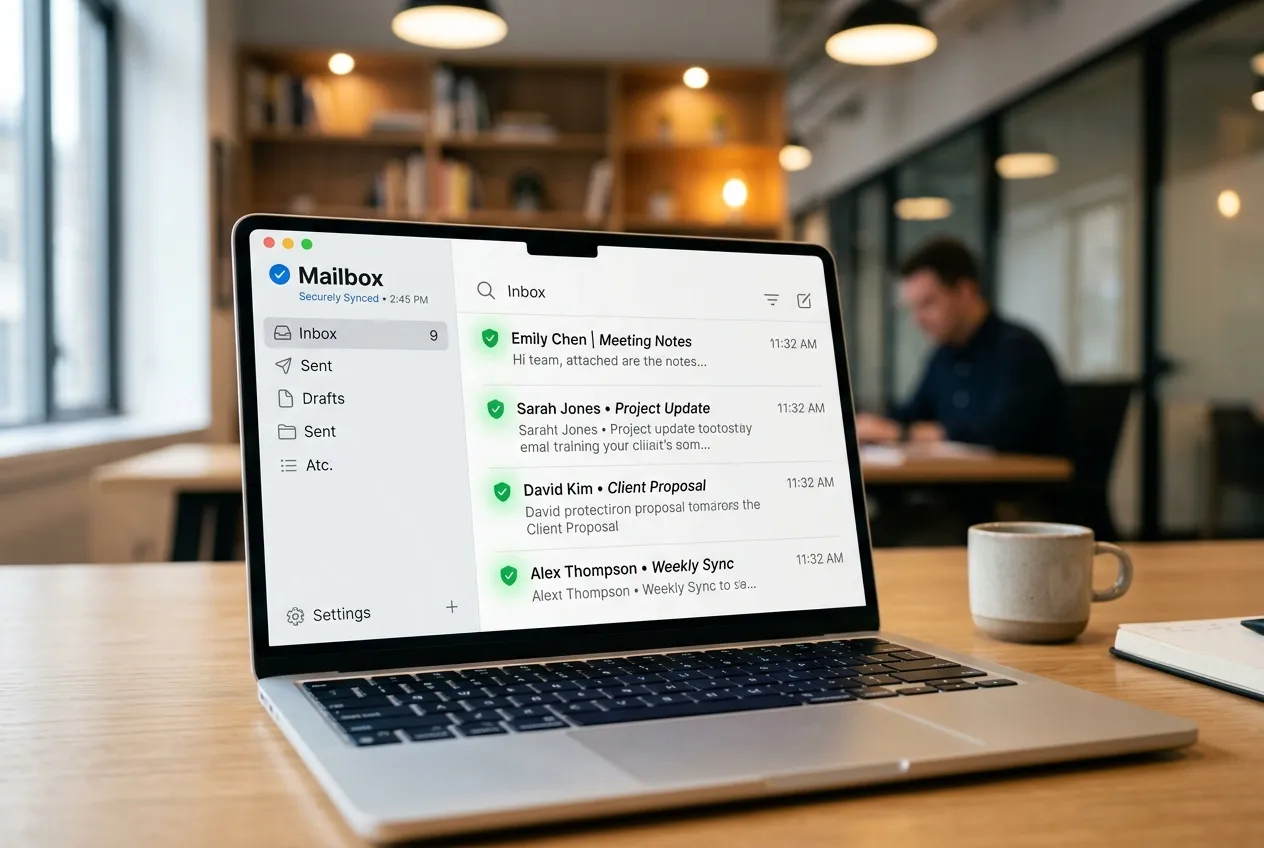 Email Basics
Email Sync & Server Ports
Troubleshoot folder syncing, configure IMAP/POP3 ports, outgoing SMTP settings, and mail app synchronization.
 PC Performance
PC Speed & Optimization
Manage automatic startup applications, free up hard disk space, monitor RAM memory consumption, and optimize PC responsiveness.
Looking for a specific diagnostic topic?
Use our live interactive search tool to instantly search through printer, Wi-Fi, email, PC performance, and update topics.
Interactive Device Diagnostics
Select a category to inspect step-by-step connection workflows, terminal scripts, and diagnostic guides.
How printer driver setup works
Follow these simplified diagnostic steps to configure your local connections, inspect spooler settings, and resolve persistent printer offline status errors.

 01
PHYSICAL LINK
01
PHYSICAL LINK
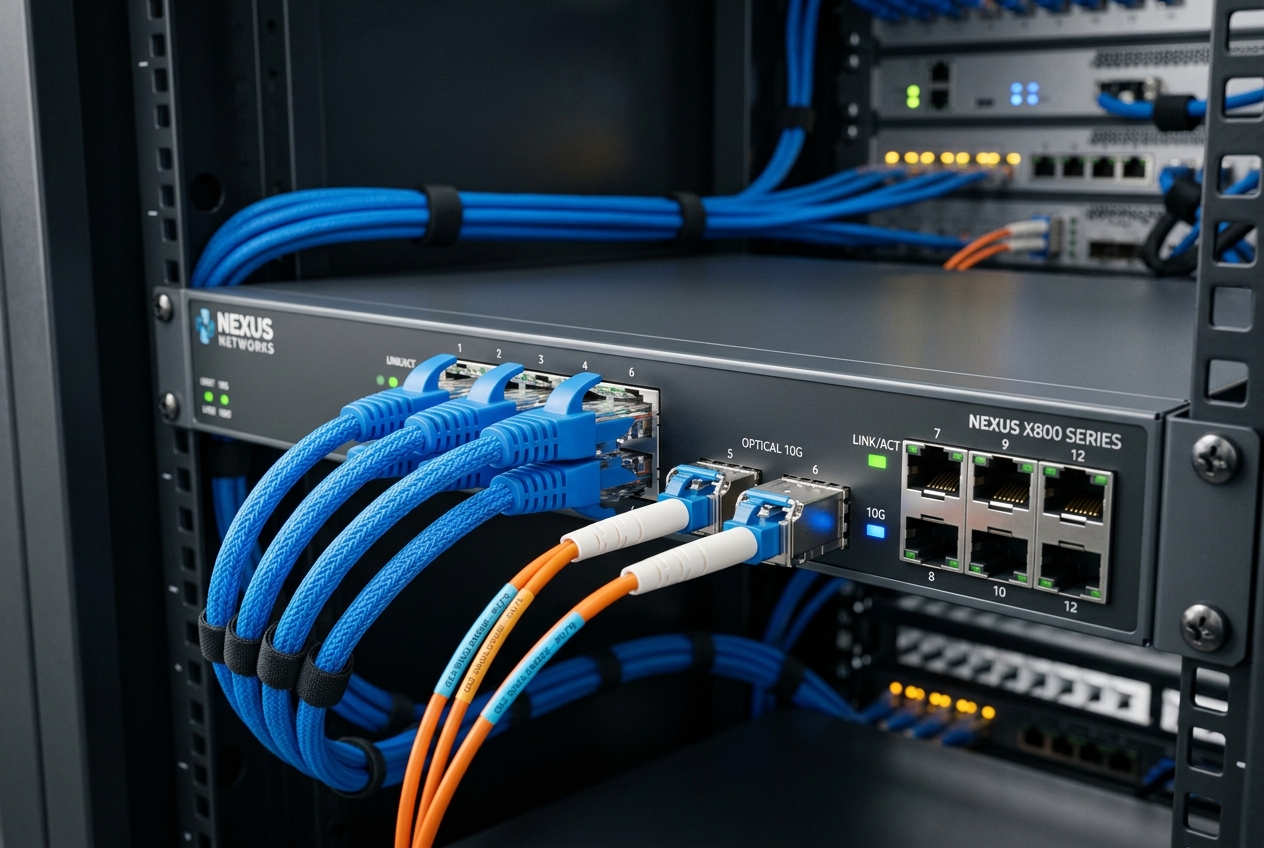
Check Cables & Wi-Fi
Inspect physical USB printer cables or verify network router SSID pairing logs to ensure connection signal lines are active.
 02
REGISTRY RUN
02
REGISTRY RUN
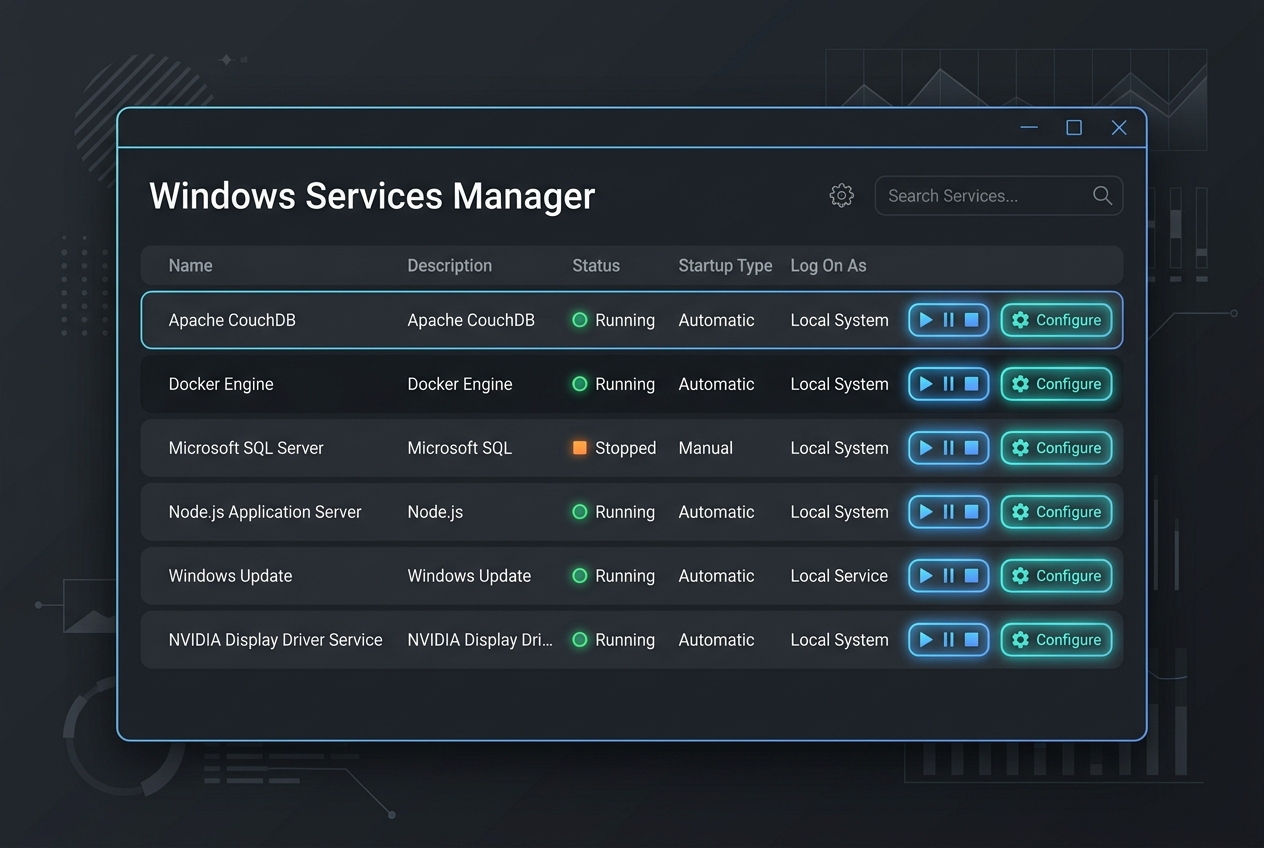
Clear Spooler Queue
Stop the Print Spooler service via services.msc, then delete temporary logs inside the PRINTERS cache directory.
 03
SETUP MANUALS
03
SETUP MANUALS
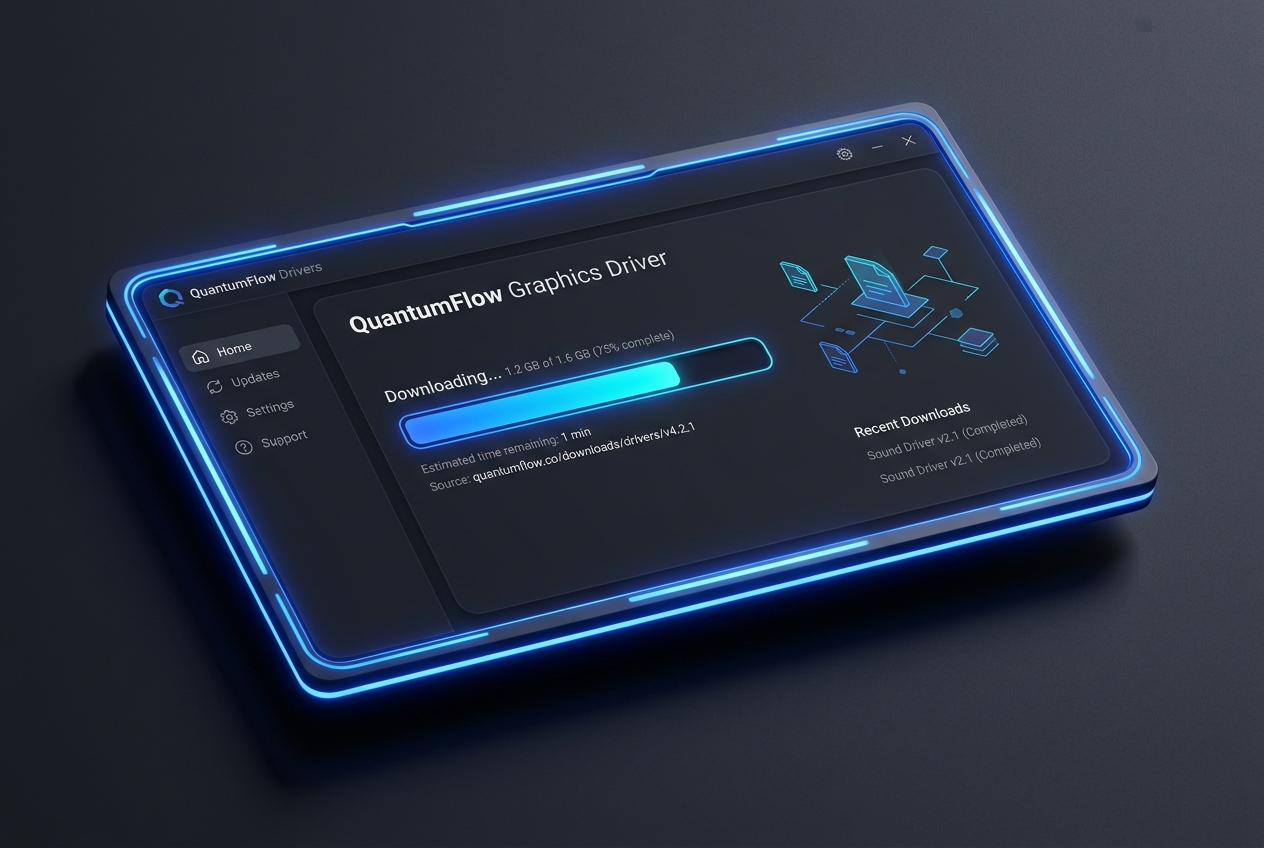
Understand Driver Setup
Understand printer driver installation concepts and how system INF files communicate with hardware.
 04
net start spooler
04
net start spooler
Reset Spooler & Print
Re-initialize the print spooler service via Command Prompt, connect hardware lines, and execute a document test page.



Diagnostic Command Terminal
Select a device category and issue to output exact Windows Command Prompt scripts & diagnostic breakdowns.
Printer Diagnostic Utilities
Troubleshoot spooler queues & offline status.
Stops the spooler service, purges all pending/corrupted print documents inside the spool queue directory, and restarts the spooler to restore printer communication.
A simple place to learn device basics.
Zeno Guide shares easy reading guides about printers, routers, email sync, PC performance, and Windows updates. Every article is written for learning only, without technical pressure or support-style claims.
Concept-First Explanations
We explain what settings, alerts, and device messages usually mean in simple, everyday language.
Independent Learning Library
Our content is created strictly as an educational reference, not as phone support or repair service.
No Downloads or Remote Access
We do not provide software files, remote access utilities, paid tool packages, or direct device repairs.
Structured Reference Scope
Our reference guides detail printer settings, local Wi-Fi router setup, email sync ports, PC optimization, and Windows Update diagnostics.
Educational Learning Reference
Zeno Guide is an independent learning blog and is not affiliated with, endorsed by, or representing any device manufacturers or official support services.
Frequently Asked Questions
Select a query on the left to see the instant conversational breakdown and official source documentation path.
Guiding Pilot Assistant
Verified Reference AgentAbout Our Library
Simple reading guides for common device topics.
Explore educational articles about printers, Wi-Fi router setup, email sync ports, slow computers, and Windows update messages.
 Printer Learning
How Printer Offline Status Is Usually Understood
Learn what offline status may mean, how printer queues work, and why connection or default printer settings matter.
 Router & Networking
Basic Router & Wi-Fi Connection Concepts
Understand network names, Wi-Fi signals, router lights, connection status, and common limited connectivity messages.
 Email Basics
Why Email Sync Issues Can Happen
Read how inbox folders, account access, sync settings, spam folders, and mail app behavior are commonly understood.
 PC Performance
Common Reasons a PC May Feel Slow
Learn common concepts behind startup items, storage space, background activity, updates, and device driver behavior.